01
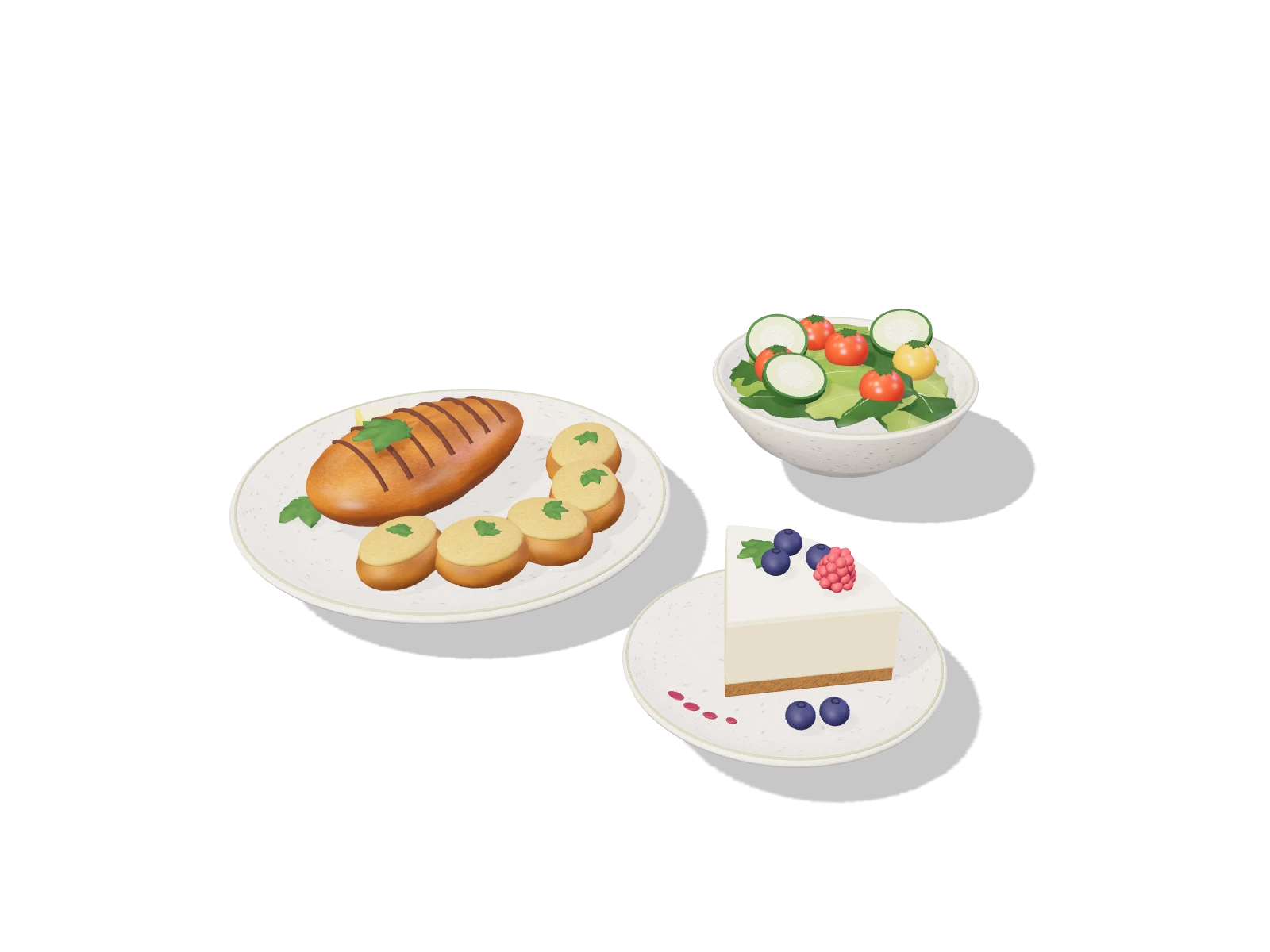
Photo-based meal capture
Calories, macros, and ingredients from one photo.
00Backed by USDA nutrition data
Snap a photo. Get calories, macros, and ingredients in seconds.
3 free photos, no sign-up required.Scroll to get a little closer
Estimates are adjustable and designed for everyday tracking, not medical diagnosis.
Features01Features
Skip database searches and gram-weighing. Snap, speak, or type — AI handles the lookup and logs it.
+AI analysis
Calories, macros, and ingredients from one photo.
Say what you ate — hands-free logging while you cook or commute.
Paste a TikTok or YouTube link and get the full recipe with USDA-checked nutrition.
Clear charts that show what's actually working.
02How it works
Sign up, log your first meal, and see your nutrition instantly.
Use photos, voice, text, or search — whatever is fastest in the moment.
See calories, macros, and daily targets update in real time.
Spot what's working, adjust your plan, and stay consistent as your habits improve.
03Why IntakeLens
Beyond tracking, IntakeLens generates meal plans that match your calorie targets and dietary preferences, suggests recipes based on what you already enjoy, and shows clear progress charts so you can see what's working and what needs adjusting.
04Medication log
Log doses right next to your meals — by time slot, with reminders, marked taken or skipped.
05FAQ
An AI nutrition tracker for logging meals by photo, voice, or text — plus meal planning, calories, and macros.
Tap the mic, say what you ate, and AI identifies the food, estimates portions, and logs it.
Yes. The Free plan includes daily photo analysis and core tracking. Compare Free and Pro on the pricing page.
It's a mobile-friendly web app — use it on any phone, tablet, or desktop browser, no install needed.
Your data is yours. It's encrypted in transit and at rest, never sold, and you can export or delete everything anytime in settings.
Most comes straight from USDA FoodData Central. For restaurant or unusual dishes with no record, AI estimates from the closest match — and those results are clearly marked.
Blog
Cal AI says 80%. SnapCalorie says ~15% mean error. PlateLens says ±1.2%. We checked what every major AI calorie counter actually claims, what's backed by research, and what to trust.
Looking for a Cal AI alternative? Compare free photo-scan limits, real pricing, trial terms, and web access across IntakeLens, SnapCalorie, MyFitnessPal, and Foodvisor.
MyFitnessPal puts Meal Scan and barcode scanning behind Premium and shows ads on the free tier. Compare AI-photo-first alternatives: IntakeLens, SnapCalorie, Cal AI, and Foodvisor.
06Backed by USDA nutrition data
Create your free account in under 30 seconds. No credit card required.